


Image Optimizers for your website: Techniques and Tools, 2024
It’s a fact. We are in the digital era, and we need to adapt ourselves. We are aware that you probably already know that. Based on this fact, we can mention that the quality of graphic quality images on our websites has become a key factor. So, using an image optimizer for perfect visualization is the main way to improve your business’s digital presence.
On the one hand, it is mainly important for attracting new potential customers. In this sense, optimize image for web is crucial. It adds significant weight to your online platform. It doesn’t matter your industry or target audience.
Image optimizer usages for your website
You should take into account the phrase “Image speaks louder than a thousand words”. We ensure that It is true that image optimizer should be essential. It should be your main step while publishing content. You cannot overlook the importance of using optimized photos. Even more if you want to achieve your goals on your website.
Furthermore, it’s worth a lot to have optimized images on a website. It doesn’t only increase the likelihood of attracting users. It also improves the overall experience with faster loading speeds, resulting in customer satisfaction.
All of us should understand the importance of using Image optimizer on your online platform, you may wonder what options you have to achieve this. Truth be told, one of the greatest advantages in these times is the plethora of image optimization tools for the web, both free and paid, that you can find.
In this blog, we will tell you everything you need to know about Image optimizer for WordPress!
What Image optimizer for web you must use
Before discussing the tools you can use when optimizing images for website, it’s important to clarify what this process entails. In simple terms, it involves reducing the size of visual files without compromising their visual quality.
To achieve this, various strategies are applied to efficiently optimize web image loading. Some of the common methods focus on reducing resolution, removing non-essential metadata, and, of course, reducing or compressing data.
You should think that the purpose of using any WordPress image optimizer is to enable loading speeds. On the other hand, it also aims to reduce bandwidth consumption. It also provides users with an exceptional browsing experience. On the other hand, it preserves visual quality in each of the images.
Why You Need to Optimize Images on Your Website
When it comes to optimizing images for the web, there are many doubts related to its importance. Multiple studies show that internet users prefer to access websites with fast loading speeds. This means that on average, a person will not wait more than 3 seconds for a website to load.
The most important metric that determines optimal loading speed is the Largest Contentful Paint. This measurement helps determine how long it takes for an element to load on the page. According to this, the ideal loading speed is less than 2.5 seconds, and anything above that would indicate poor optimization.
The best way to solve this problem is through image optimization. You will provide a good user experience and ensuring visual quality at all times.
What Are Web Image Optimization Tools?
Now that you understand the importance of optimizing images for the web, it’s crucial to discuss the tools that help you achieve this. Web image optimization tools are programs or services that assist in reducing the size of image files without significantly sacrificing image quality.
You should use a good image optimizer if you want to deliver quality digital content to all your users. The main aspect that users take into account is better loading speed. Currently, there are a variety of such tools available, which you can acquire in free or paid modalities.
Advantages of Image Optimization Programs for the Web
If you want to ensure the best loading speed for your website, you must try optimizing images as an essential step. Reducing the size of an image without losing quality is what you need to ensure a smooth browsing experience for your users while allowing them to enjoy your digital content.
Image optimization programs help you reduce the size of your photos. Meanwhile, these programs also preserve quality. As a result, they take up less space and better fit your webpage. Some of the most important benefits of using these tools include:
- These contribute to better loading speed on your website, which impacts its performance and SEO.
- Each program enhances the appearance and quality of your images, increasing your chances of attracting more potential customers.
- These help you save space on your hard drive and server. Each program allows you to spend less money and prevent data loss.
Free Tools for Optimizing Images
If you need to optimize the loading of web images but can’t afford an online tool for this, there are free optimize web image loading options with which you could start working on compressing files for your website. Some of the most recommended ones in 2024 are as follows:
- ImageOptim
ImageOptim is a free online image optimizer that removes data from your image files in a simple way. Additionally, it’s worth mentioning that it’s an open-source tool. This free version has a usage limit, but you can opt for a paid format with up to 1000 optimizations per month if you wish.
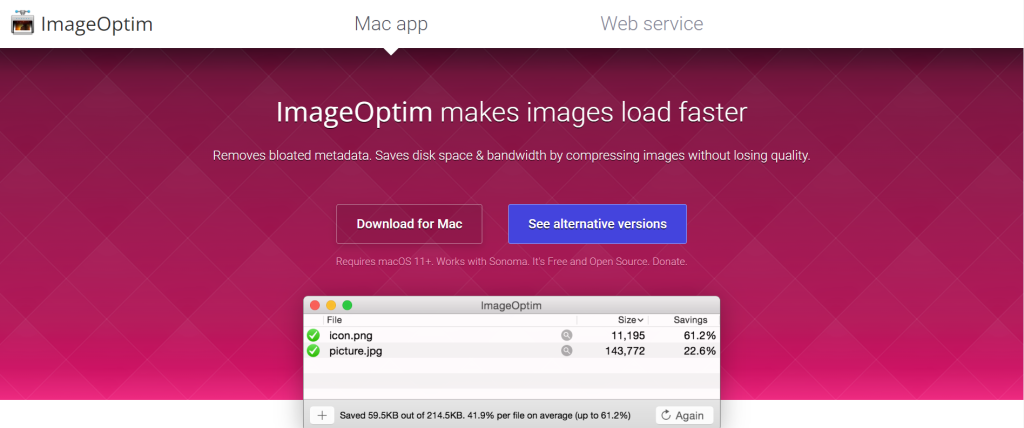
Keep in mind that this platform is only for Mac users, so you won’t be able to use it if you have any other type of technology. Compared to other similar tools, ImageOptim can optimize the image, reducing its loading weight by up to 5% for files saved with Photoshop.
- RIOT
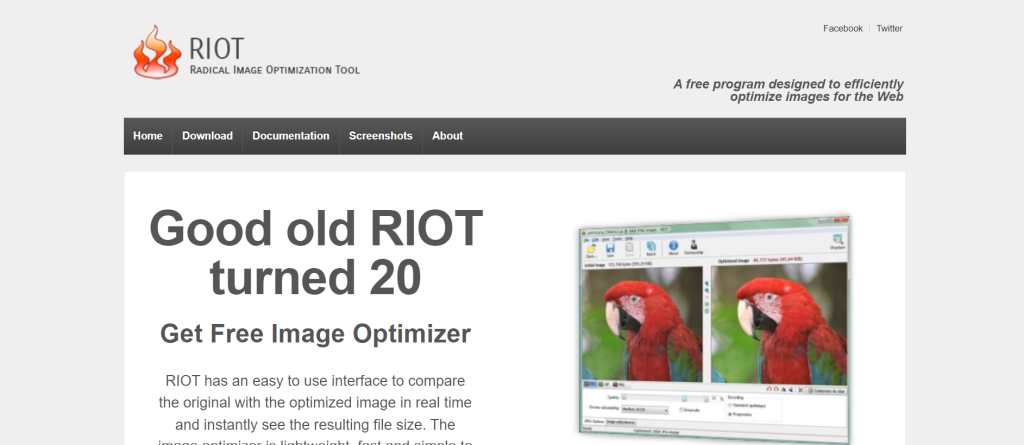
RIOT is a completely free application for optimizing images for the web. It is available for Windows users. This tool compresses the weight in a variety of files in JPG, PNG, and GIF formats, making it a good resource for taking your website’s quality to the next level.
The user interface of RIOT is simple, so you don’t need to be a handyman. An important advantage is that it has a comparator, so you can see how the image will look once compression is complete.
- Trimage:
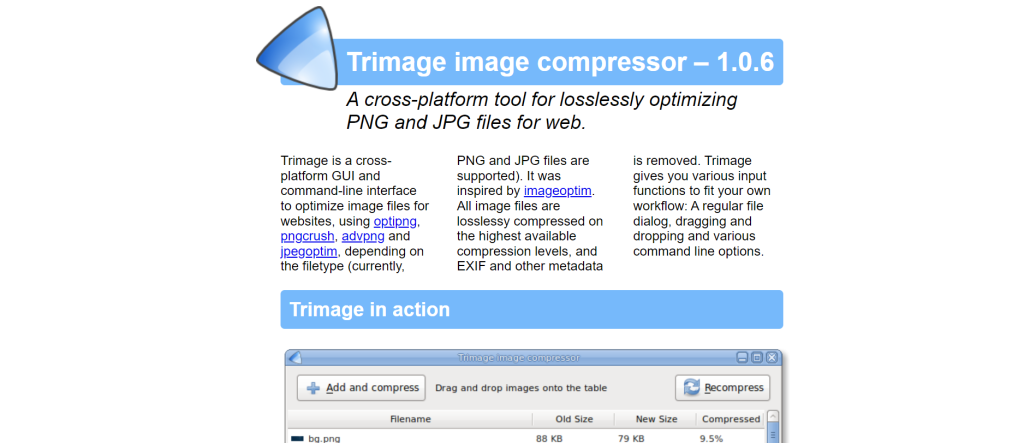
If you are a Linux user, Trimage is a good option for optimizing photos. This tool is compatible with Windows, Mac, and Linux, so it has no usage restrictions and, of course, is free. The main quality of this platform is that it optimizes images through lossless compression, which allows you to maintain quality.
Furthermore, it removes all metadata (EXIF) contained in the image to be optimized. So, it makes it much lighter when loading. Currently, it is a widely used and recommended online image optimizer.
- TinyPNG:
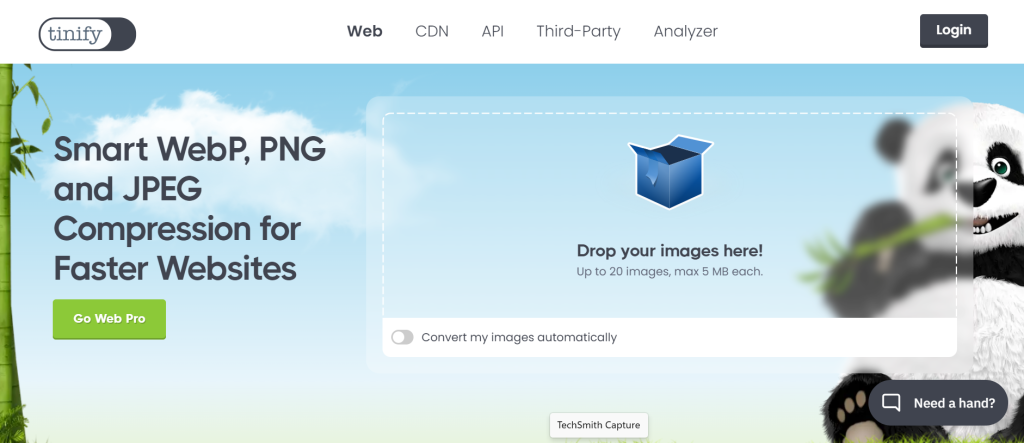
TinyPNG is another free software for optimizing images that can help you out. Among other things, it is characterized by its ability to optimize up to 20 images simultaneously, with a maximum of 5 MB each. Additionally, it works for images in both PNG or JPG format.
Another feature of this image optimizer for web is that it includes a plugin for Photoshop. Thanks to this, it’s possible to export directly from this program without any issues when starting compression. However, you must pay a monthly fee of $50 to access this feature.
- Compressor.io
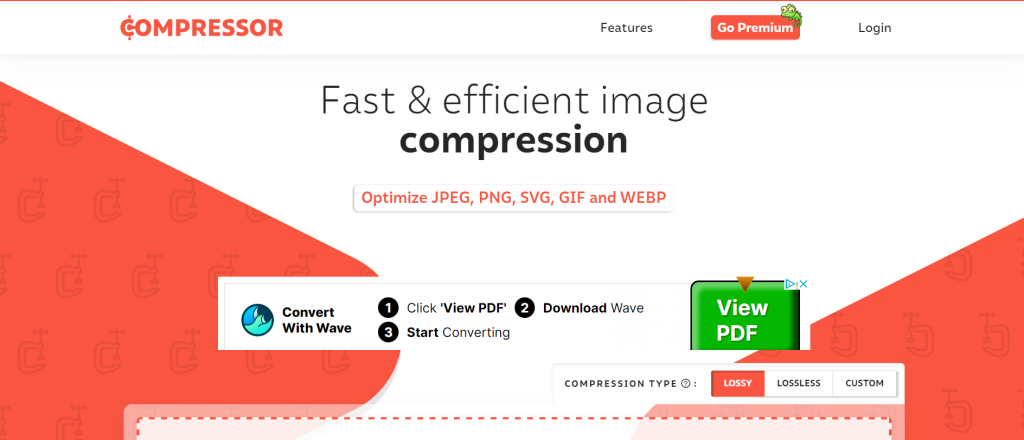
Compressor.io is another free tool for optimizing images that can be useful for optimizing your images. The platform ensures compression of up to 90% of the image without compromising visual quality. It offers simple work by combining multiple algorithms.
In the free version, you can optimize up to a maximum of 10 MB. Currently, it supports four types of files for optimization: JPG, PNG, SVG, and GIF. On the other hand, you can choose between lossless and lossy compression (with or without quality loss). One potential drawback of this tool is that you have to upload images one by one.
- Kraken.io
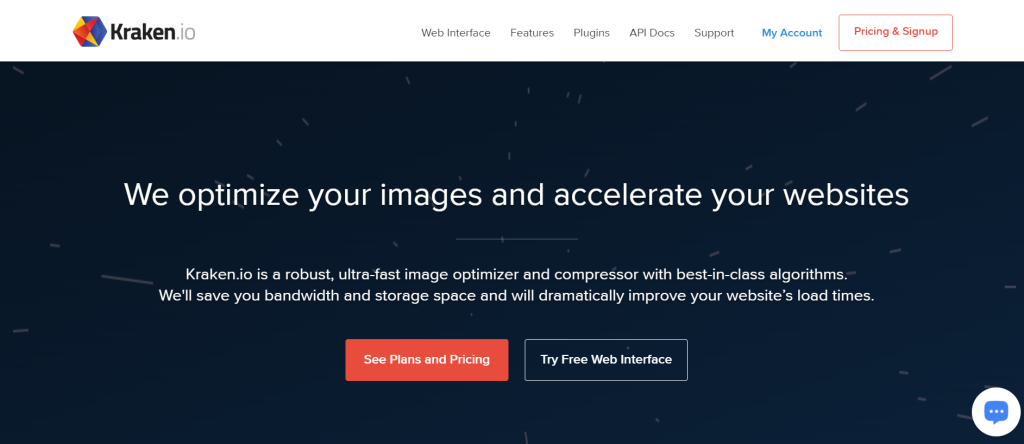
Kraken.io helps you optimize images for the web for free. It is one of the most useful online image optimizer tools available today and allows you to reduce the weight of your images by choosing between lossless and lossy modes. One of the most important advantages of this optimizer is that you can upload multiple images at the same time.
In its free version, when you want to upload multiple files simultaneously. On the other hand, you have a loading limit of 1 MB. You can also pay If you want greater capacity. You can opt for its PRO version, with a price of $5 per month, which allows you to upload up to a maximum of 500 MB.
Paid Tools for Image Optimization
There are free tools that are useful but have some limitations. However, they can help you in a simple way. Now, we got some resources if you need a larger-scale optimization resource. You can rely on paid tools, such as the ones we present below:
- Photoshop
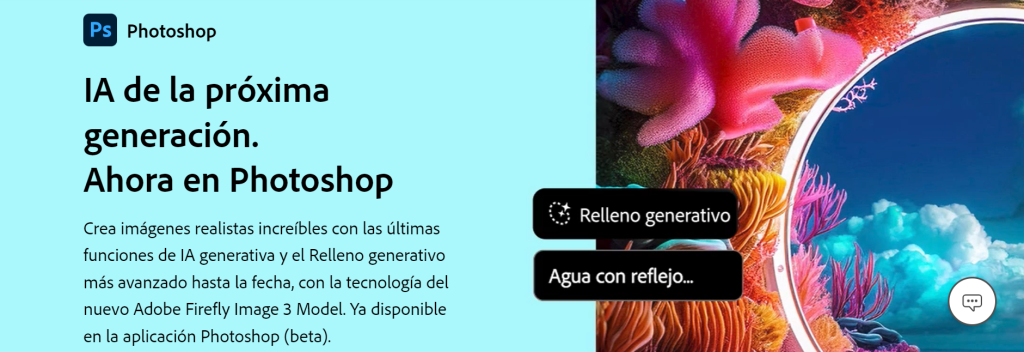
Photoshop is a popular web image optimizer in the market, and as expected, it is paid. Among other things, this Adobe program allows you to enhance your images in terms of size, color, and other aspects without losing visual quality, which is crucial.
Additionally, besides assisting you with image compression, Photoshop is a valuable resource for photo editing. It incorporates masks, filters, and other elements that will enhance the appearance of your digital content. You can opt for a limited free version with certain restrictions.
- WP Smush
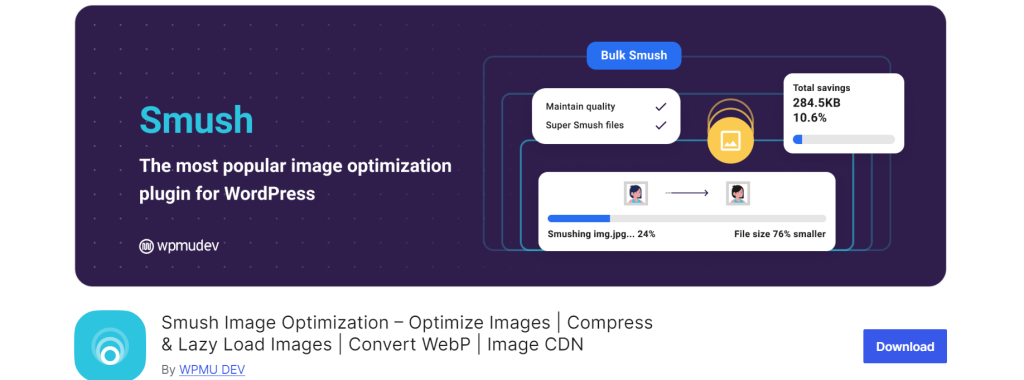
WP Smush is an image optimizer for WordPress that works automatically. To use it, you just have to install the program on your computer, and it will help you optimize all the images you upload to your website. It supports JPG, PNG, or GIF formats.
It also allows you to resize images you’ve uploaded before. This tool lets you set an ideal weight for your photos, up to a maximum of 2048x2048px. There are three available plans, with fees starting from $1 per month. Additionally, there is a free version with a maximum upload capacity of 1 MB.
- Imagify
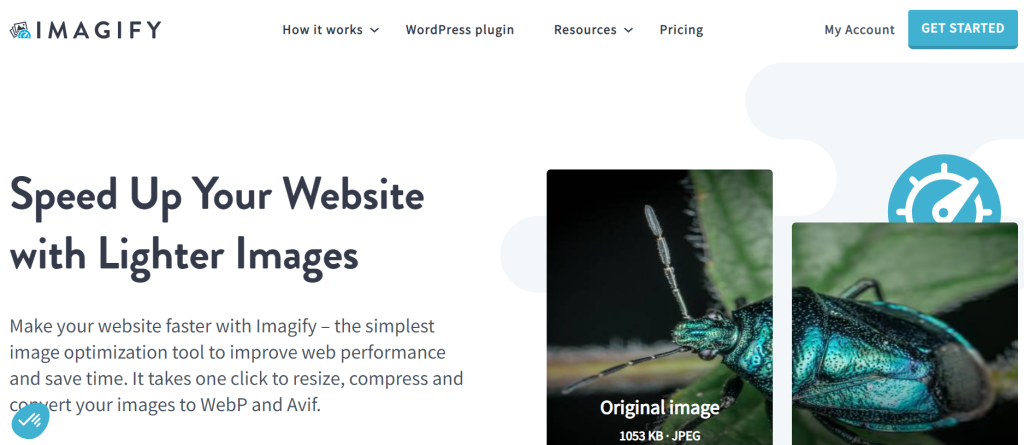
Imagify is one of the most well-known optimizing images tools. One of its most important features is its intuitive interface. We can pin out that it’s quite simple to use. The most relevant quality of Imagify is that it offers a plugin. This one is capable of compressing images without affecting their quality.
There are several compression levels: normal, aggressive, and ultra. In the latter two cases, the image quality is minimally affected. The price is defined based on the weight of the image. Similarly, you can subscribe to plans starting from $5 per month with a maximum capacity of 1 GB.
- Optimole
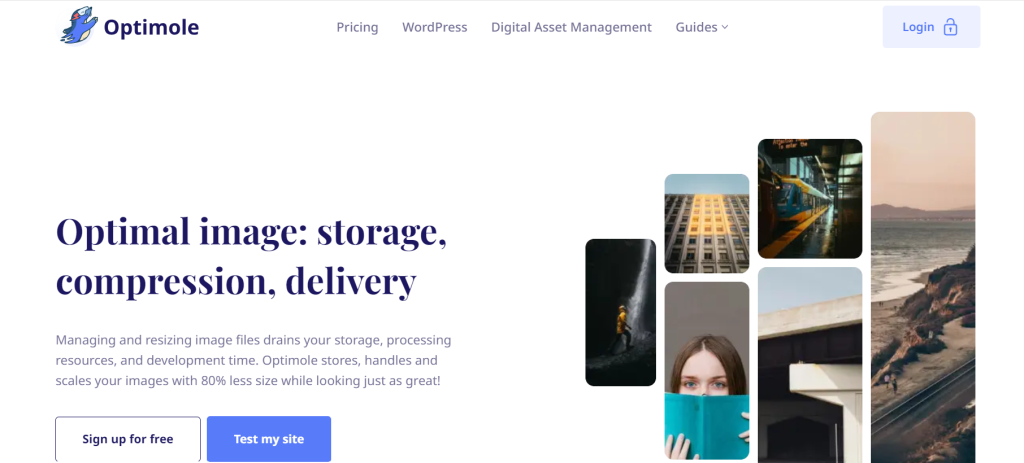
Optimole is an image optimizer that works entirely in the cloud. Your server will not experience any overload due to its implementation. It is only necessary to create an account and upload the image you need to optimize. Optimization in this tool is also a possibility.
Additionally, the tool has a tracking service. This service helps you get the necessary information about the optimization of your images and the space used. The usage price is $9 per month for a capacity of 10 GB. Likewise, there are other plans with greater capacity.
- ShortPixel
Another online image optimizer you can consider is ShortPixel. Its interface is quite simple and resembles Imagify. So you can use it without much difficulty. Once you install the application, all the images you upload to your library will be optimized.
If you need to optimize images you have uploaded previously, you can do so through the bulk optimization function. The platform offers plans starting from $4.99 per month for a maximum of 500 images. Similarly, there is a free version with a capacity of up to 100 images.
- Abraia.me
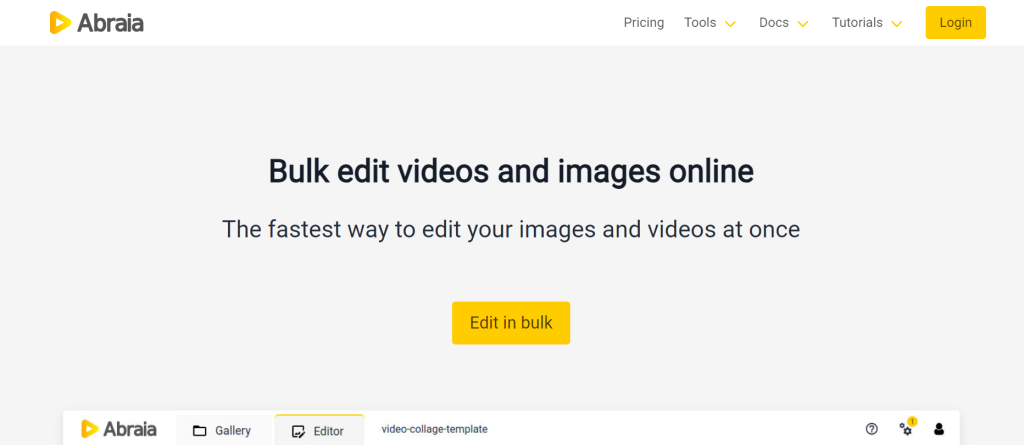
Abraia.me is a tool that not only optimizes images for the web but also provides editing functions for your files, which will be very useful for managing your website. Among other things, this platform helps you add watermarks, edit videos in blocks, and more.
While it’s true that Abraia.me has a free Image optimizer for web version, its usability is quite limited. Therefore, you can choose to pay for some of the plans they offer. These prices vary depending on the size of your website.
The best techniques for optimizing images for a website:
Now that you know the best tools for optimizing images in 2024, you may be wondering how to carry out this process. There are several useful methods that you can use based on your needs and the tools you decide to use, such as:
✔️Choosing the format:
There are various image formats. Each has its own pros and cons. You should consider this when uploading content to your website. Depending on the type of image and its use, make sure it is in the correct format (PNG, JPG, GIF, SVG, etc.). For example, photographs generally should be in JPG format, as these offer a good quality-to-size ratio.
On the other hand, PNG is ideal for working with flat colors or transparencies. For animations, GIF is the most suitable format. Additionally, there is a new format known as WebP, which offers greater compression compared to JPG and PNG.
✔️Reducing the resolution and size of the image:
Both the resolution and size of the image will determine the space it occupies. In this sense, if you have a large-sized image with high resolution, its loading weight will be high. So, it results in reduced speed.
Therefore, it is advisable to optimize the size and resolution of the image without compromising its visual appearance. For this, you can use the functions of some tools like Photoshop or TinyPNG, if you are looking for a free option.
✔️Using image compression methods
Image compression allows you to remove all unnecessary metadata from the file. There are two ways to do this: with lossy compression and lossless compression.
- Lossy compression: This process removes some pixels from the image during compression, which ultimately affects its quality. However, the file size is significantly reduced.
- Lossless compression: In this case, the quality of the image remains the same, but the reduction in size is not as significant. Some ideal tools for this type of compression are ImageOptim and Kraken.io.
✔️ Resorting to adaptation strategies
Adaptability simply means adjusting the image to the format or device on which these will be displayed. For instance, it’s valid to choose the srcset format in HTML to suggest various versions of the same photograph. This is based on the width of the device or the browser being used.
Similarly, specific properties can be applied to images, such as max-width or object-fit, which prevent them from being cropped or distorted as a result of the device they are displayed on.
Conclusion
In summary, optimizing images is one of the best decisions you can make to enhance the performance of your website. As you saw earlier, there are multiple tools, both free and paid, that will help you achieve this in a simple manner.
Currently, image optimization is crucial in an era where most internet users are seeking responsive websites that provide a seamless experience.